
我們如何使用 Cookie

我們會使用必要的 Cookie 在本公司的網站運作。我們也會使用分析與功能性 Cookie ,透過衡量您的網站使用方式來協助改進本網站,使本網站可以提供其他功能給您。

如需我們如何使用 Cookie 的詳細資訊,請參閱我們的 Cookie政策。
Optoma Smart Control

Optoma Smart Control

智慧掌控,盡在指尖

Optoma Smart Control 行動應用程式讓您透過手機即可輕鬆完成設備設定、直覺掌控操作,並實現智慧螢幕校正——所有功能,一手掌握。
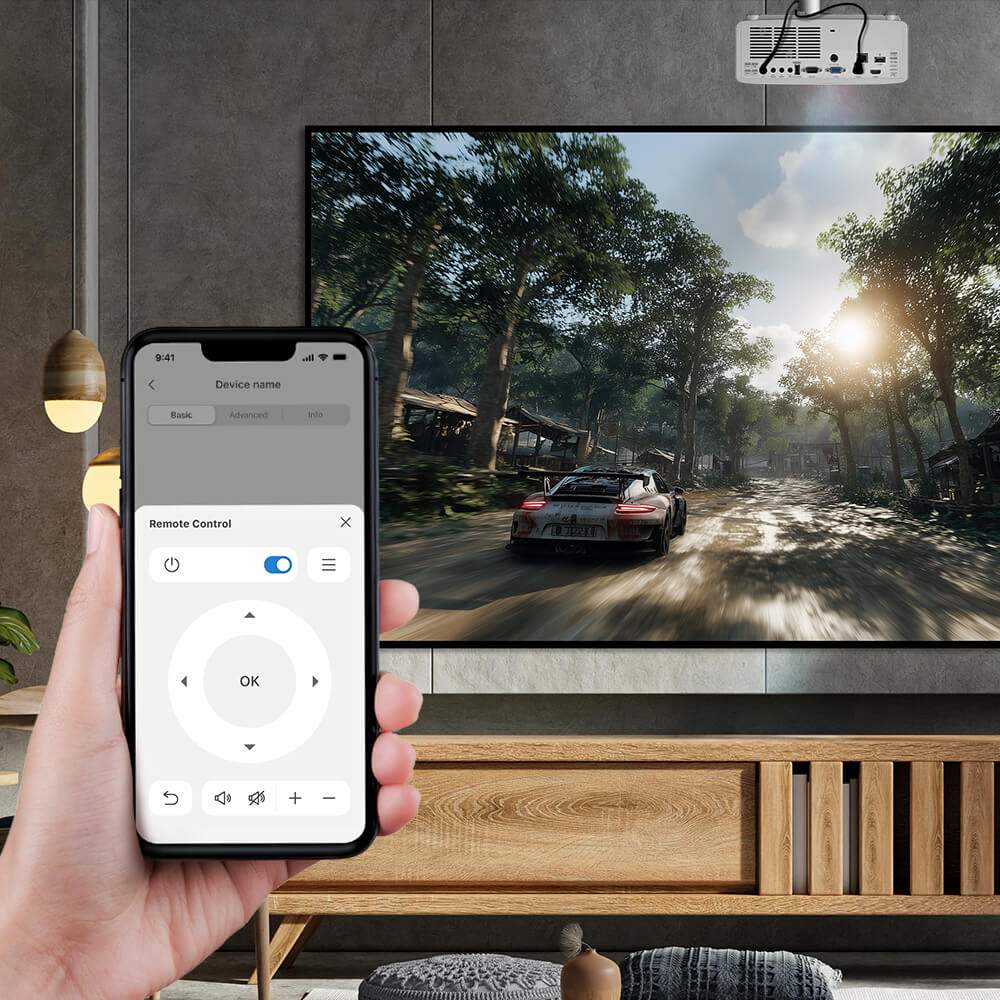
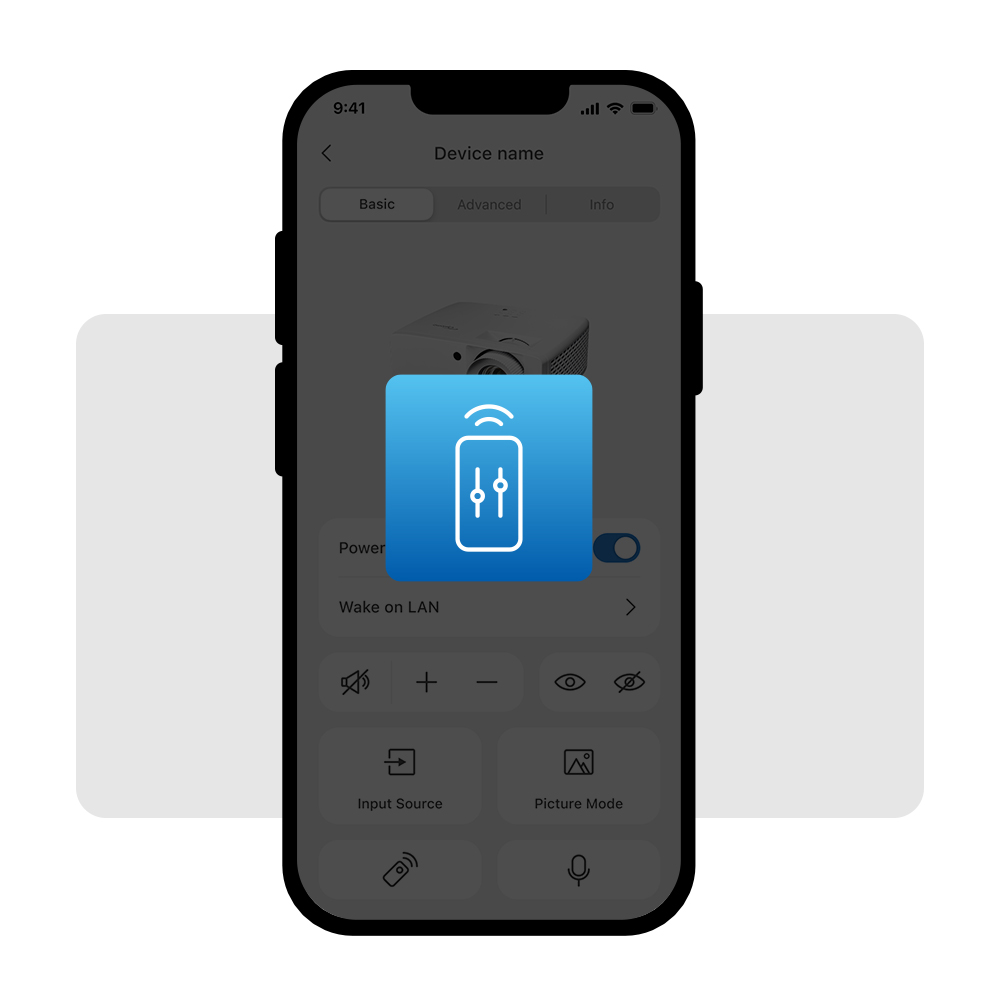
  • 設備控制: 透過手機即可輕鬆掌控您的 Optoma 投影機與顯示設備,一切盡在指尖。
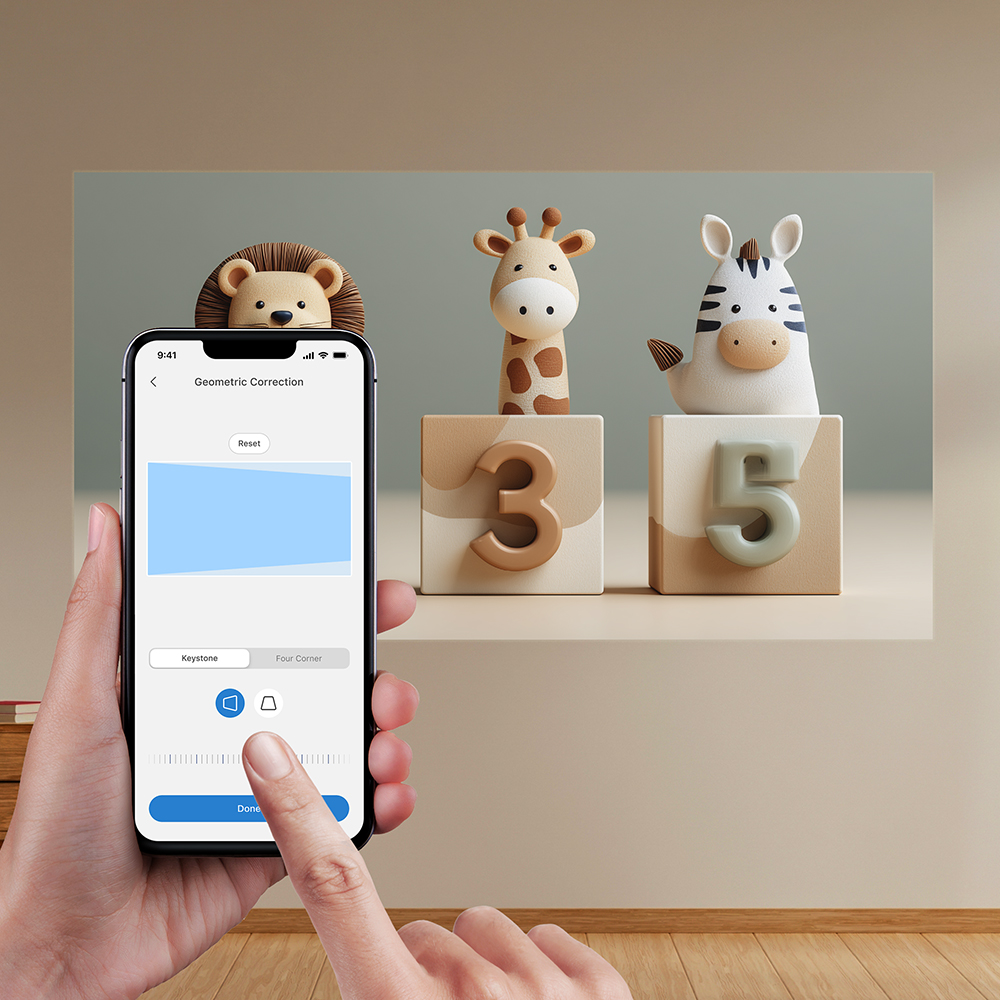
  • 自動螢幕校準: 透過 Smart Fit 與直覺的幾何校正功能,輕鬆簡化畫面校準流程(適用於投影機)。
  • 快速故障排除: 即時掌握風扇、溫度、網路及電源狀態的警示通知,確保設備運作流暢穩定。
  • GSPro 玩家專屬高爾夫模式: 專為高爾夫模擬器打造的專屬顯示模式,呈現更逼真、精準且具沉浸感的視覺體驗。
Optoma Smart Control

*Supported features may vary by product. Please refer to the product website for detailed information.
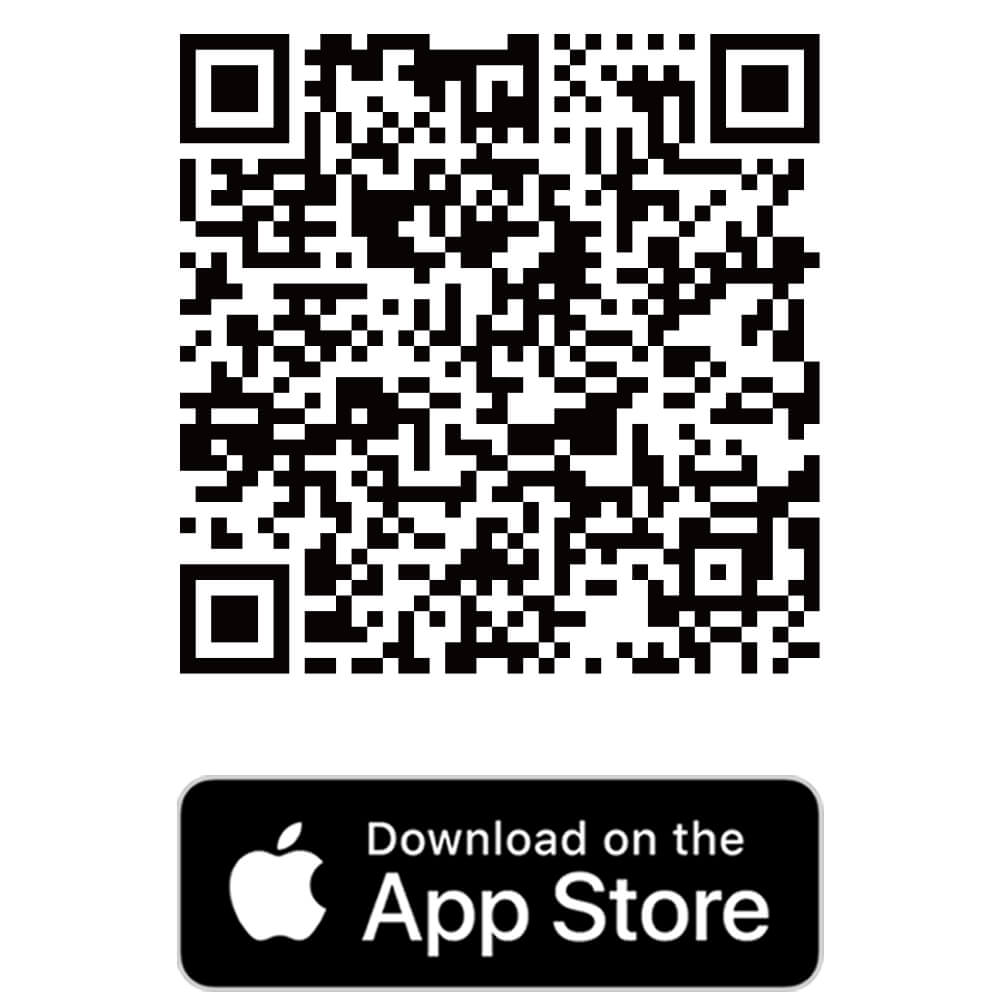
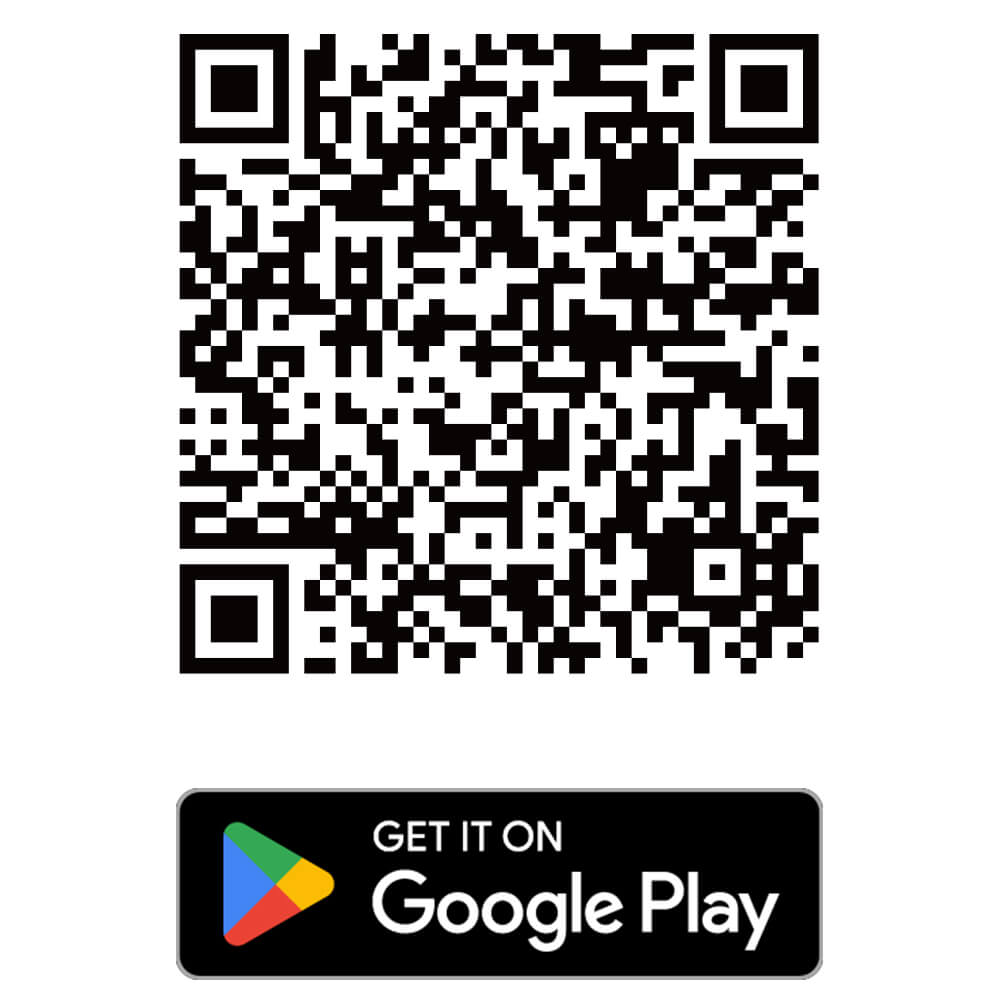
Download the Optoma Smart Control APP

Select your mobile operating system. Requires iOS 17 or later; Android 12 or later.
Download the Optoma Smart Control APP Download the Optoma Smart Control APP
Download the Optoma Smart Control APP

輕鬆掌控 Optoma 設備,一手掌握

Optoma Smart Control 應用程式可智慧調整螢幕校準,並讓您直接透過手機更輕鬆地操控各款 Optoma 顯示設備。從初始設定到日常操作,它化身為智慧遙控器,支援各項關鍵功能控制,助您節省時間,並在任何空間中皆能呈現更優質的觀影體驗。
  • Device Control Made Easy

    設備控制,輕鬆上手

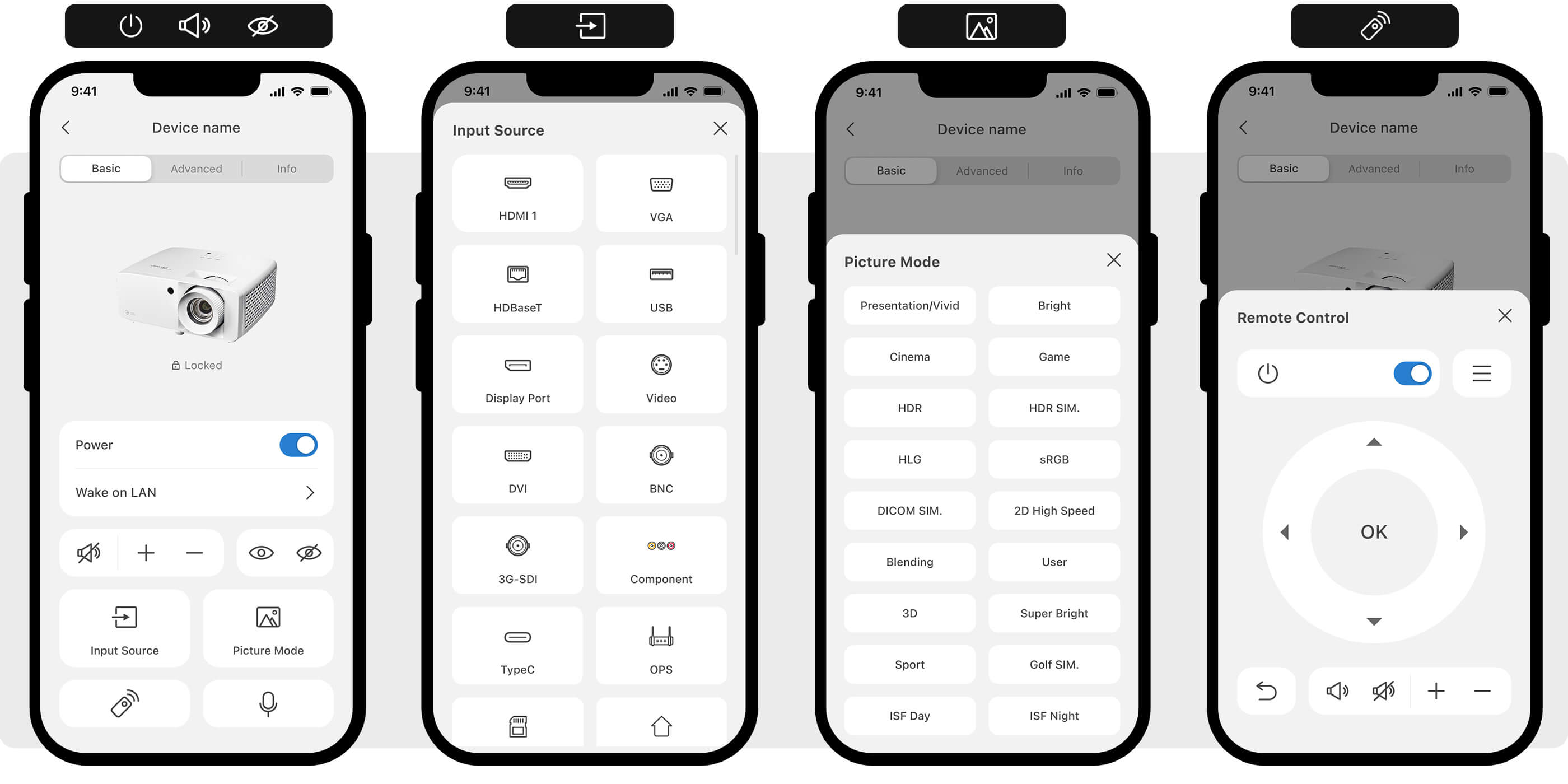
    透過手機的便利操作,即可輕鬆掌控您的 Optoma 投影機、All-in-One 一體機或 LCD 顯示設備。
  • Quick Troubleshooting

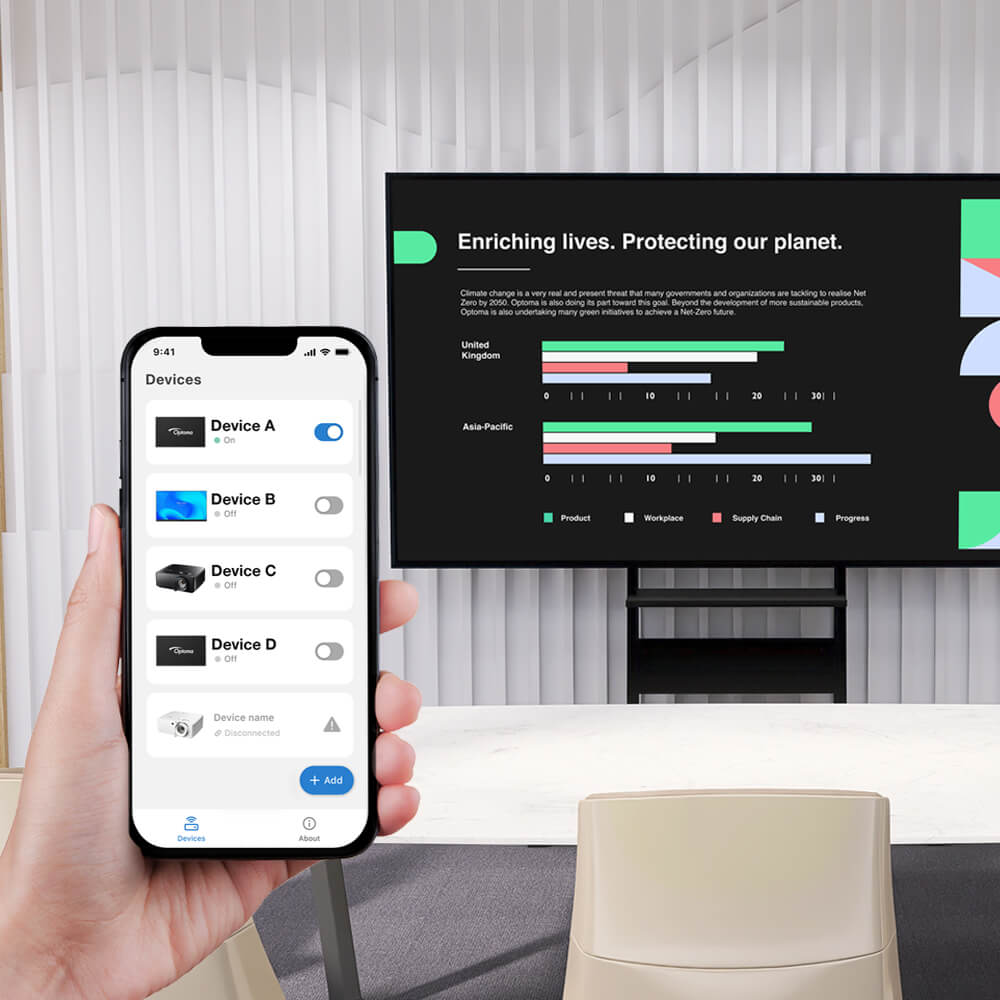
    狀態監控 & 警示通知

    即時掌握風扇、溫度、網路及電源狀態警示——確保設備隨時保持順暢運作。
  • Simplify Installation with Auto Screen Adjustment

    自動畫面調整

    透過智慧畫面調整,數秒內即可實現完美螢幕校準。輕鬆切換影像模式並操控設備,帶來更直覺的操作體驗。

簡易設定,快速上手

步驟 1:下載應用程式

掃描上方的 QR Code 即可下載應用程式,或直接在應用程式商店中搜尋「Optoma Smart Control」。

步驟 2:設定設備

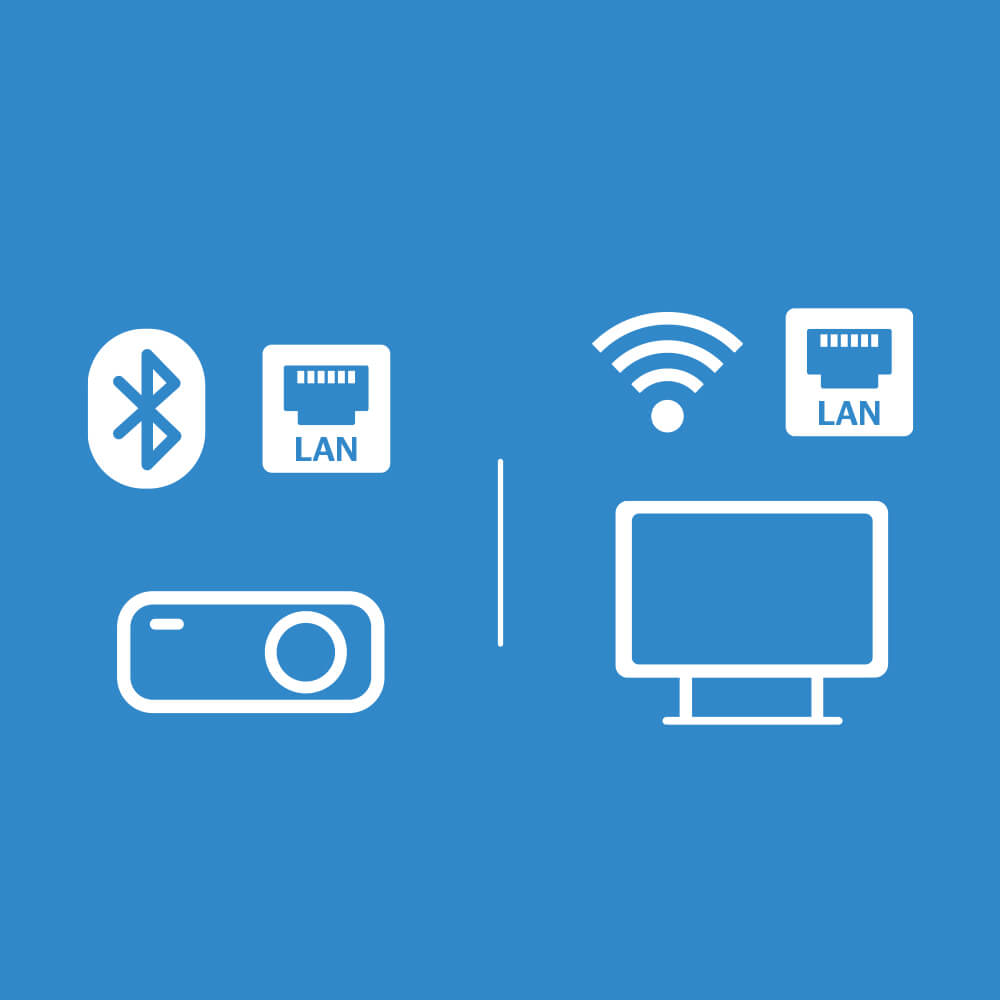
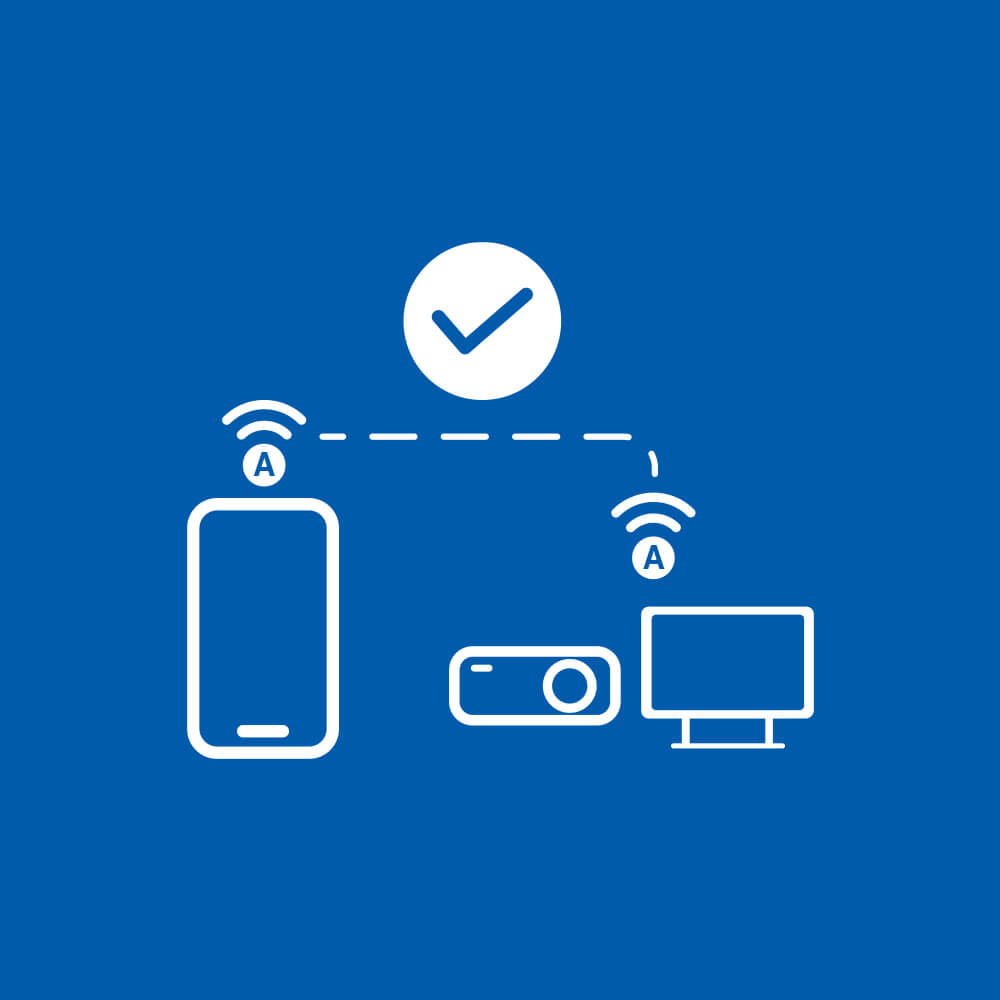
將您的投影機或顯示設備連接至區域網路。若使用投影機,請插入藍牙接收器,並確認已在 OSD 選單中啟用。*隨附配件可能因地區而異。

步驟 3:配對您的設備

將您的智慧型手機連接至相同網路(區域網路 LAN)或開啟藍牙,接著依照螢幕上的指示操作以新增您的設備。

View Setup Details

For Projector

- BT Connection -

  1. » Control » Bluetooth ON

  2. Enable Bluetooth ON your phone and find your display (Serial number)

- LAN Setting -

  1. » Power settings » Active

  2. » LAN » DHCP ON

  3. » Control » Telnet ON

  4. Add the device (go to LAN to see device's IP addresses)

For IFP/FP/AIO LED

  1. DHCP ON

  2. Power settings » Active

*Optoma Smart Control 支援透過區域網路或藍牙連線進行本機管理。
*如需詳細操作說明,請造訪 Optoma 下載中心並參閱使用者手冊。

彈指之間,輕鬆掌控設備

輕鬆掌控基本設備功能,包括電源開關、訊號源切換、狀態警示、音量調節、影音靜音(AV Mute)、影像模式切換以及虛擬遙控器。
Control devices effortless with just few taps

智慧畫面校準,快速安裝定位

專為高爾夫模擬軟體打造的專屬影像模式

Optoma Smart Control 行動應用程式專為 GSPro 等第三方高爾夫模擬軟體提供量身打造的顯示調校,呈現更逼真、色彩精準且具沉浸感的視覺體驗。只需透過行動裝置,即可一鍵套用專屬影像模式。
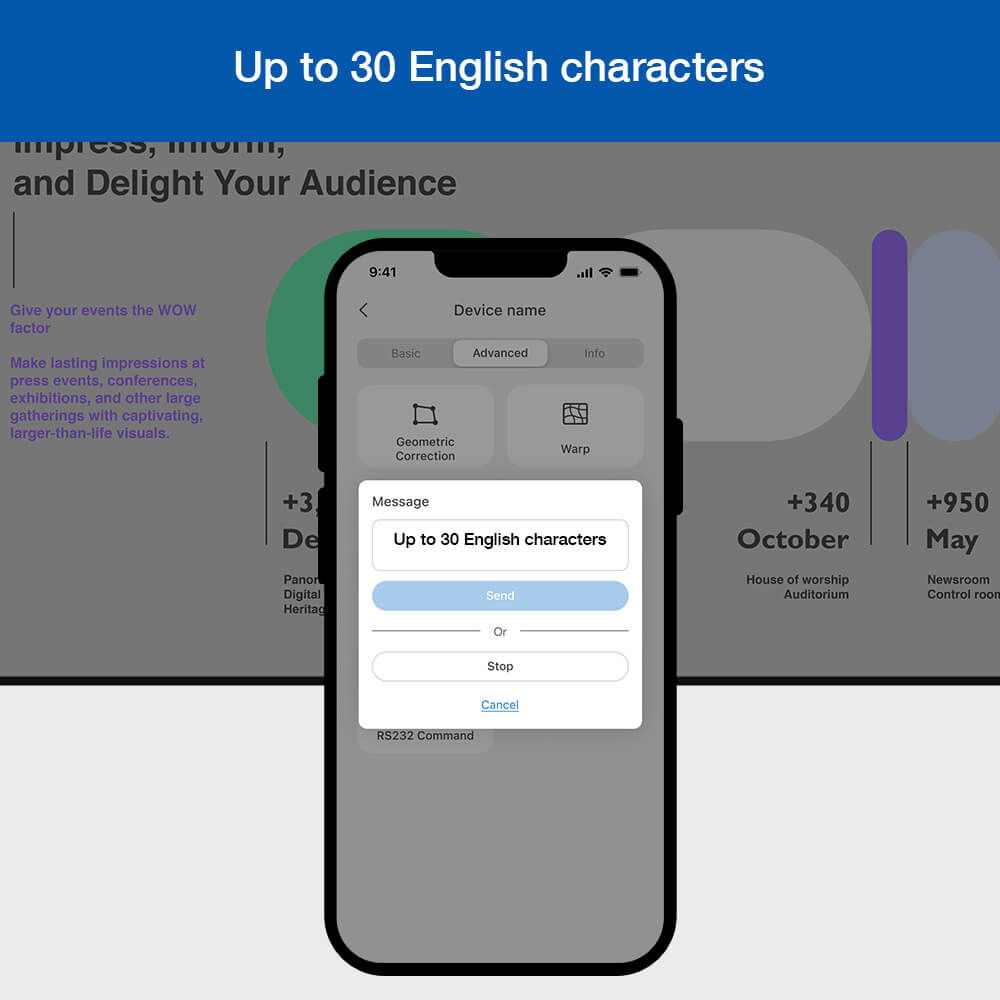
Message Broadcast made easier. Simply types words and send it out for simple announcement.

訊息推播,輕鬆省力

支援螢幕即時訊息(最多 30 個英文字元),方便管理者即時將訊息或通知推播至多台設備,實現高效的即時溝通。
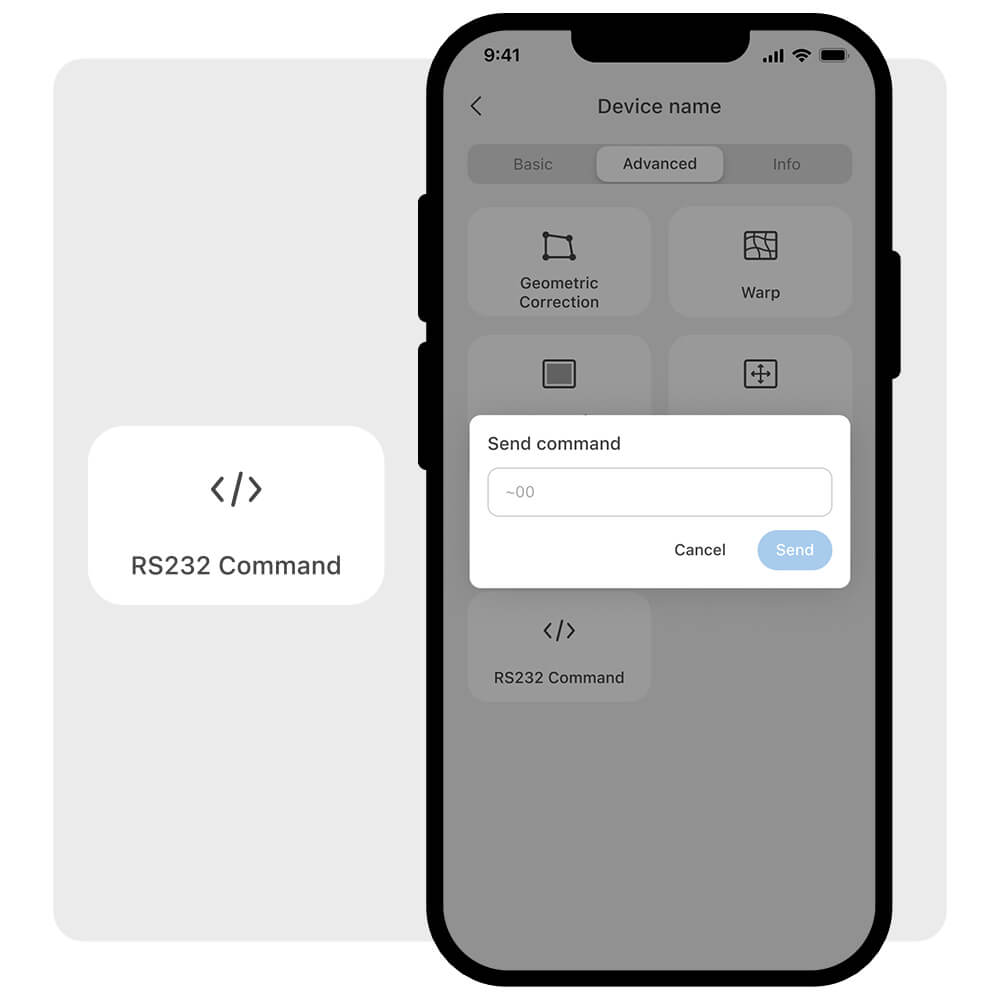
Optoma Smart Control RS-232 command

透過 RS-232 控制指令,解鎖更全面的設備掌控

無需筆記型電腦,告別繁瑣設定。直接透過手機輕鬆輸入 RS-232 指令,解鎖超越內建標準功能的進階控制。
規格
OS Requirement
OS Requirement
iOS 17 or later; Android 12 or later.